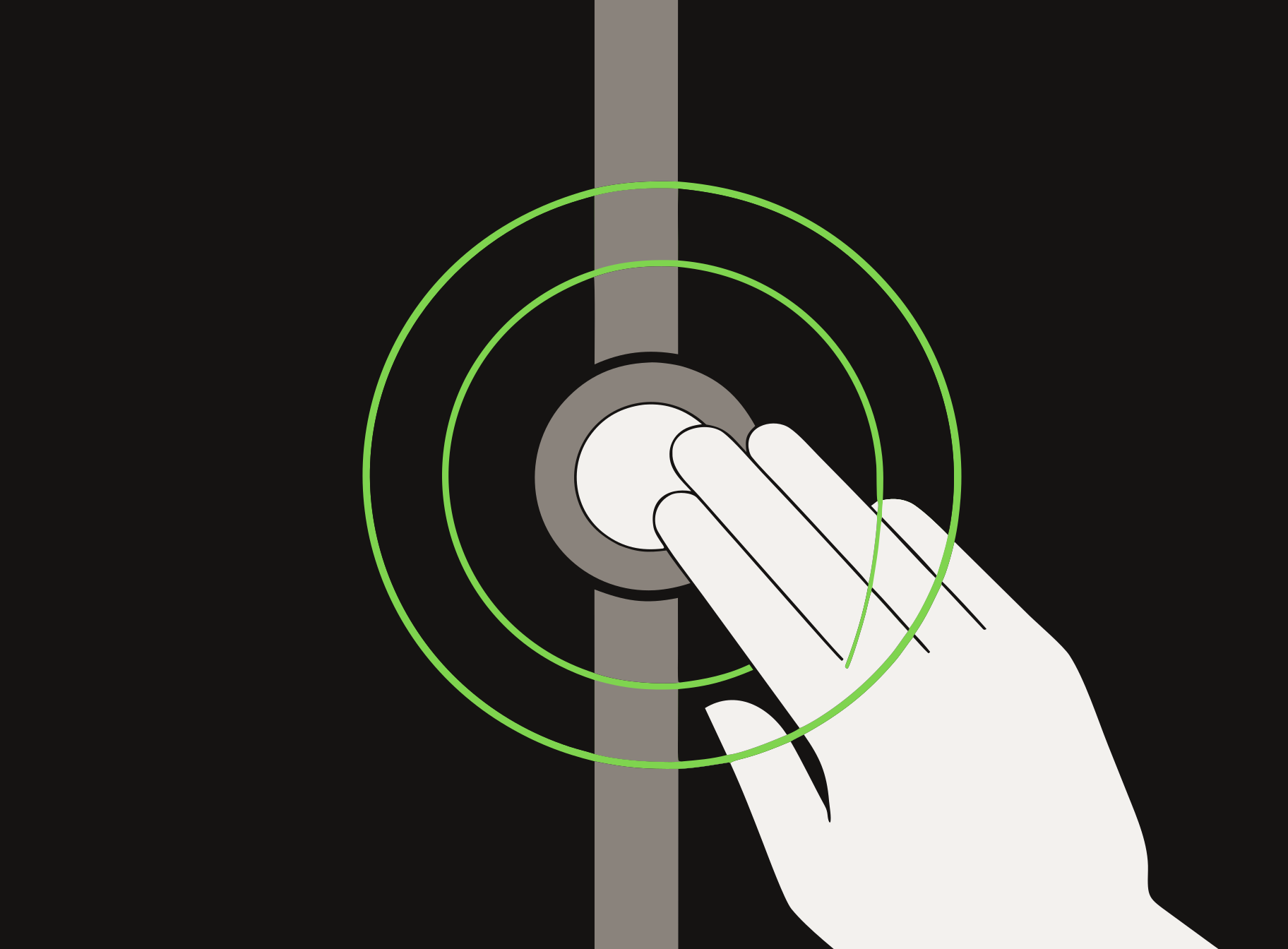
Under 1 second
Tap
Scores a point for your side. Touch the sensor at your end of the court, then take your hand away.
How to play
Every SENZO court has a sensor at each end. You score with your hand, and the court TV keeps the score. This is all you need before your first point.
Under 1 second
Scores a point for your side. Touch the sensor at your end of the court, then take your hand away.
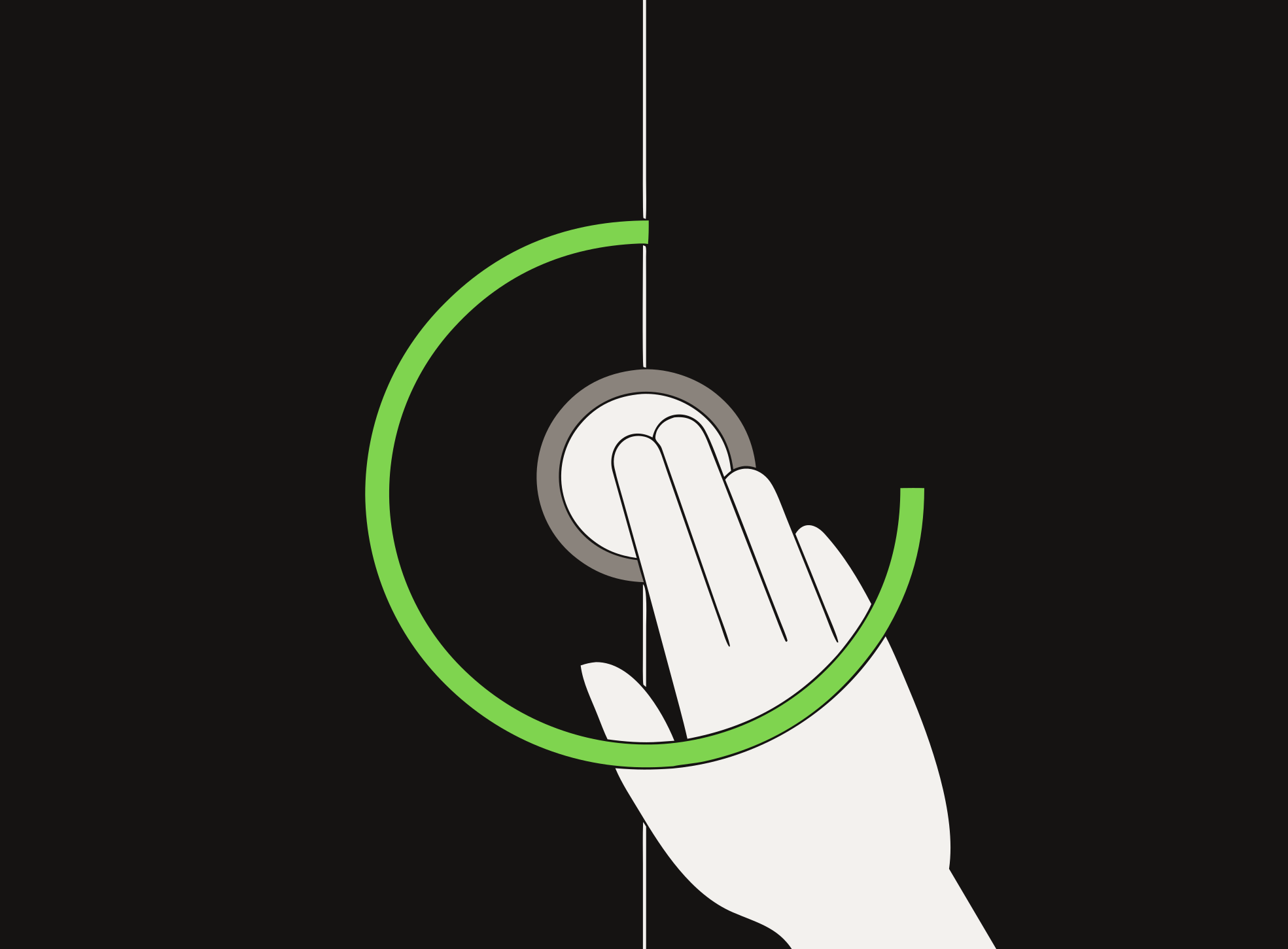
3 seconds, then let go
Undoes the last point. Keep your hand on the sensor, then let go. Use it when a point went to the wrong side.
Scan the QR code on the court TV, and set up your match on your phone.
Tap the sensor at the serving end. The TV shows who serves first.
Tap for every point you win. If a point goes to the wrong side, hold to undo it.